


Water Damage Repair: How to Save Your Device Quickly
Introduction
Water damage repair is a critical service that can save your valuable electronic devices from being permanently damaged. With the growing reliance on smartphones, tablets, laptops, and various gadgets, the risk of water exposure has escalated significantly. According to industry statistics, nearly 30% of smartphone users have experienced water exposure with their devices at least once. This makes understanding water damage repair essential for every tech-savvy individual.
In today’s tech-driven world, where we rely heavily on our devices for communication, work, and entertainment, knowing how to effectively deal with water damage can save you time, money, and stress. Quick action is paramount; for every minute your device is exposed to water, the chances of irreversible damage increase.
Throughout this article, readers will uncover valuable insights into water damage repair, including immediate steps to take after an incident, the importance of professional services, and preventative measures to avoid future mishaps. Whether you’re a tech enthusiast or just someone trying to save their device, this guide is designed to equip you with the knowledge you need.
Are you prepared to protect your devices from water damage? Let’s explore how you can act quickly and effectively to salvage your tech.
What is Water Damage Repair?
Definition
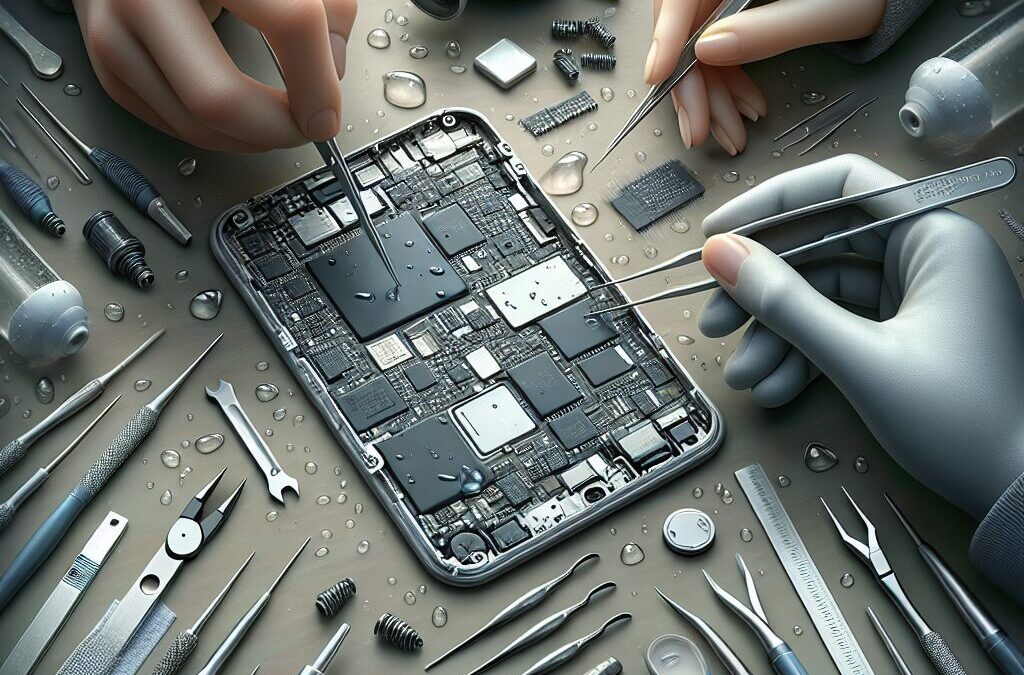
Water damage repair refers to the process of restoring electronic devices that have been compromised due to exposure to water. This involves assessing the level of damage, cleaning the internal components, and replacing any parts that may have been affected. The goal is to return your device to a functional state while minimizing the risk of long-term effects.
Historical Context
Traditionally, water damage repair meant drying out devices and hoping for the best. However, with advancements in technology and repair techniques, the process has become more sophisticated. Modern repair methods now include the use of specialized drying equipment and cleaning solutions that can effectively remove moisture and corrosion from delicate electronic components.
The Importance of Water Damage Repair
The relevance of water damage repair has surged in recent years. As technology becomes more integrated into our daily lives, the number of devices susceptible to damage due to water exposure has dramatically increased. With this rise in devices comes a corresponding need for effective repair solutions.
Water Damage Repair in the Context of the Tech Industry
In the tech industry, water damage repair plays a vital role in customer satisfaction and product longevity. Companies that provide efficient repair services not only enhance user experiences but also build trust and loyalty among their customers.
Key Players or Contributors
Several innovative companies have emerged, providing effective water damage repair solutions. These include specialized repair shops and manufacturers that focus on improving device resilience against water exposure.
How Does Water Damage Repair Work?
The Mechanics of Water Damage Repair
Understanding water damage repair involves a step-by-step evaluation of the damage and the subsequent processes to restore functionality. When a device comes into contact with water, the following steps are typically taken:
- Immediate Action: Turn off the device and remove any external components (like cases, SIM cards, and memory cards).
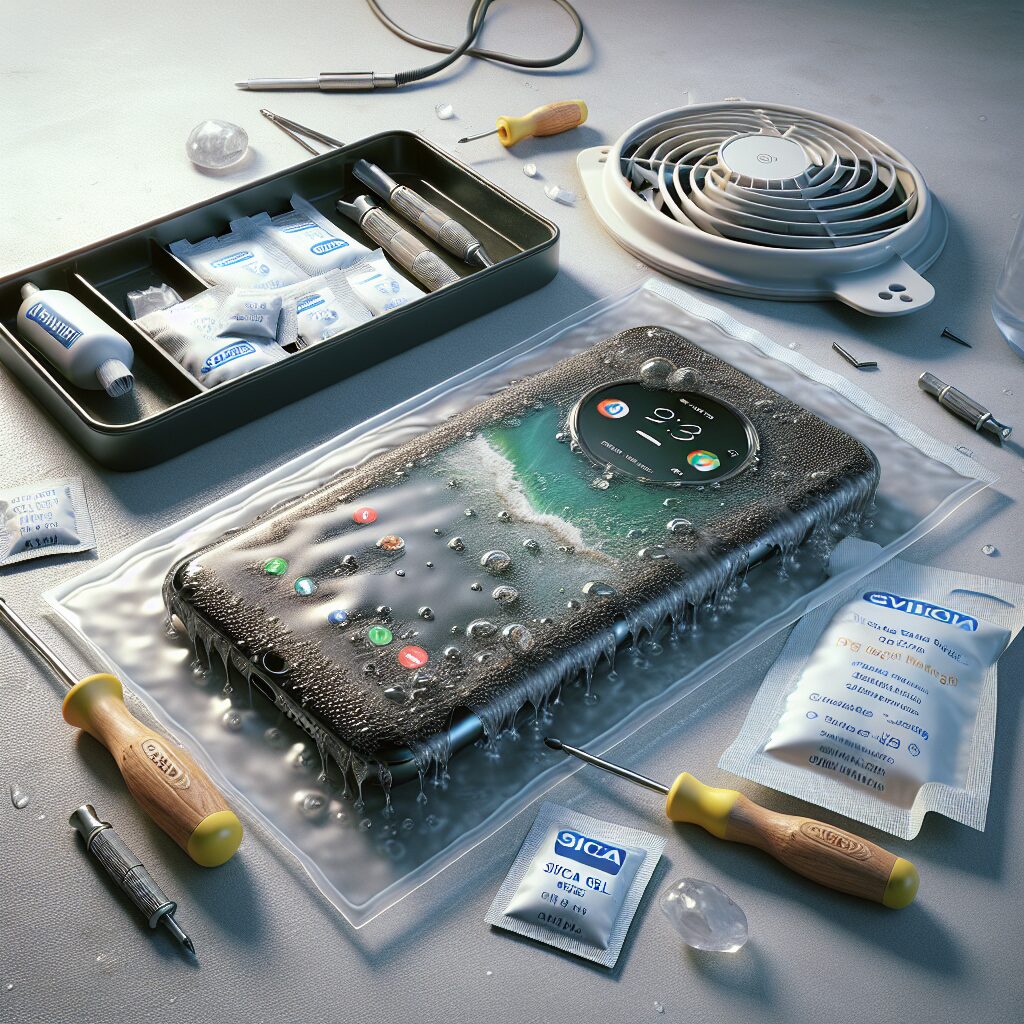
- Drying: Place the device in a dry environment or use desiccants to absorb moisture.
- Inspection: After a thorough drying period, a technician will inspect the device for signs of corrosion or damage.
- Cleaning: Use specialized cleaning solutions to remove any residue or corrosion from components.
- Repair and Replacement: Any damaged parts are repaired or replaced to restore functionality.
- Testing: The device is tested to ensure that all functions are working correctly before returning it to the owner.
Technological Foundations of Water Damage Repair
Advanced tools and techniques play a significant role in successful water damage repair. Some of these include:
- Ultrasonic Cleaning: A method that uses sound waves to create microscopic bubbles in a cleaning solution, effectively removing moisture and debris from hard-to-reach areas.
- Thermal Imaging: This technology helps technicians identify moisture trapped within the device, ensuring thorough drying.
- Baking: Some repairs involve placing devices in specialized ovens that can maintain low temperatures, allowing moisture to evaporate without damaging electronic parts.
Real-World Applications of Water Damage Repair
Various devices typically require water damage repair, including:
- Smartphones: Commonly subjected to spills or submersion in water.
- Laptops: Vulnerable during accidental spills on desks.
- Tablets: Often used near water but still prone to accidents.
- Wearable Technology: Such as smartwatches that might get wet during exercise.
Case Studies/Examples
Consider a scenario where a smartphone is dropped in a pool. Without immediate action, the device may suffer from short-circuiting, leading to permanent damage. However, if the owner acts quickly by turning off the phone and seeking professional water damage repair, there’s a higher chance of recovery.
Benefits of Water Damage Repair
Investing in water damage repair offers several advantages:
- Cost-Effective: Repairing a device is often cheaper than purchasing a new one.
- Sustainability: Repairing electronic devices reduces electronic waste and promotes sustainability.
- Convenience: Quick repairs mean you can get back to using your device sooner.
- Expertise: Professional services ensure that the repair is done correctly, minimizing future problems.
Preventative Measures for Water Damage
Taking proactive steps can significantly reduce the risk of water damage. Here are some effective strategies:
- Use Protective Cases: Invest in waterproof cases for devices that are frequently around water.
- Avoid Using Devices Near Water: Be mindful of using electronics in wet environments.
- Regular Maintenance: Keep devices clean and well-maintained to minimize risks.
- Know Your Device’s Water Resistance: Familiarize yourself with the water resistance ratings of your devices.
Future Trends in Water Damage Repair
As technology continues to advance, the future of water damage repair looks promising. Emerging trends include:
- Improved Materials: Manufacturers are increasingly developing water-resistant materials for devices.
- Advanced Repair Techniques: Ongoing research in electronics will lead to more efficient repair methods.
- Greater Awareness: As awareness of water damage grows, more consumers will seek preventative solutions.
FAQs
1. What should I do immediately after my device gets wet?
Turn off the device, remove any accessories, and dry the exterior with a soft cloth. Avoid turning it back on until it is thoroughly inspected and dried.
2. Can I dry my device using rice?
While placing a device in rice may help absorb moisture, it’s not always effective. Instead, use silica gel packets or professional drying solutions for optimal results.
3. How long should I wait before trying to turn on my device after water exposure?
It’s best to wait at least 24-48 hours to ensure that the device is completely dry before attempting to turn it on.
4. Is it safe to charge my device after it has been wet?
No, do not charge your device until it is confirmed to be completely dry to avoid the risk of short-circuiting.
5. How do professionals assess water damage?
Professionals use specialized tools to inspect the device for moisture and corrosion, often disassembling it for a thorough evaluation.
6. Can all water-damaged devices be repaired?
Not all devices can be repaired, especially if they have suffered extensive damage. However, many can be restored with professional help.
7. What are the costs associated with water damage repair?
Costs can vary widely depending on the extent of the damage and the type of device. It’s best to consult with a repair service for an estimate.
8. How can I prevent water damage to my devices?
Use protective cases, avoid using devices near water, and maintain regular cleaning and care for your electronics.
9. Should I attempt to repair my device myself?
Unless you have experience and the right tools, it’s advisable to seek professional help. DIY repairs can often lead to further damage.
10. What is the typical turnaround time for water damage repairs?
Turnaround time can vary based on the service provider and the extent of the damage. Generally, repairs can take anywhere from a few hours to several days.
Conclusion
In the fast-paced world of technology, understanding water damage repair is essential for every device owner. Throughout this article, we explored the definition of water damage repair, how it works, its significance, and preventative measures to consider.
These points matter because they empower you to act decisively when faced with water damage, potentially saving you from costly replacements. Quick actions and professional services can make a significant difference, ensuring your device remains functional and reliable.
Consider taking proactive steps, like using protective cases and being mindful of your device’s surroundings. If an accident does occur, remember the importance of swift action and professional help.
Embrace the knowledge you’ve gained and apply it to protect your devices. By doing so, you’ll not only extend the lifespan of your electronics but also enjoy peace of mind in your tech-driven life.
Resource Links:
- servpro.com: SERVPRO® is a name you can trust when you need water damage restoration, cleanup, and repair, near you. We know that even a small amount of water can lead …
- reddit.com: … A plumber came out, he cut open the drywall and diagnosed the issue. It turns out the overflow drain wasn’t sealed well and water leaked below onto the ceiling.
- dell.com: … You should not have sent it in for repair since accidental damage is not covered under your warranty. Support should have told you that if you …
