



Battery Swelling Repair: What Causes It and How to Fix It Safely
Introduction
In today’s technology-driven world, the reliance on batteries for our devices is undeniable. From smartphones to laptops, our daily lives depend heavily on these power sources. However, one critical issue that has surfaced is battery swelling, a condition that can compromise the safety and functionality of our devices. This article will delve into battery swelling repair, a topic that resonates deeply with tech users as it highlights the importance of battery safety and effective repair methods.
According to recent reports, nearly 20% of smartphone users have experienced some form of battery malfunction, with swelling being a prevalent issue. As batteries age or undergo misuse, they can swell, creating a risk for users. Ignoring this condition can lead to more severe consequences, including device damage or even personal injury. Therefore, understanding how to address swelling batteries is crucial for both safety and device longevity.
In this article, we will explore the causes of battery swelling, safe methods for repair, and preventive measures to keep your devices operating efficiently. By the end, readers will gain valuable insights into handling this common issue effectively. Whether you’re a tech enthusiast or a casual user, the knowledge of battery swelling repair will equip you to maintain your devices safely and prolong their lifespan.
What is Battery Swelling Repair?
Definition
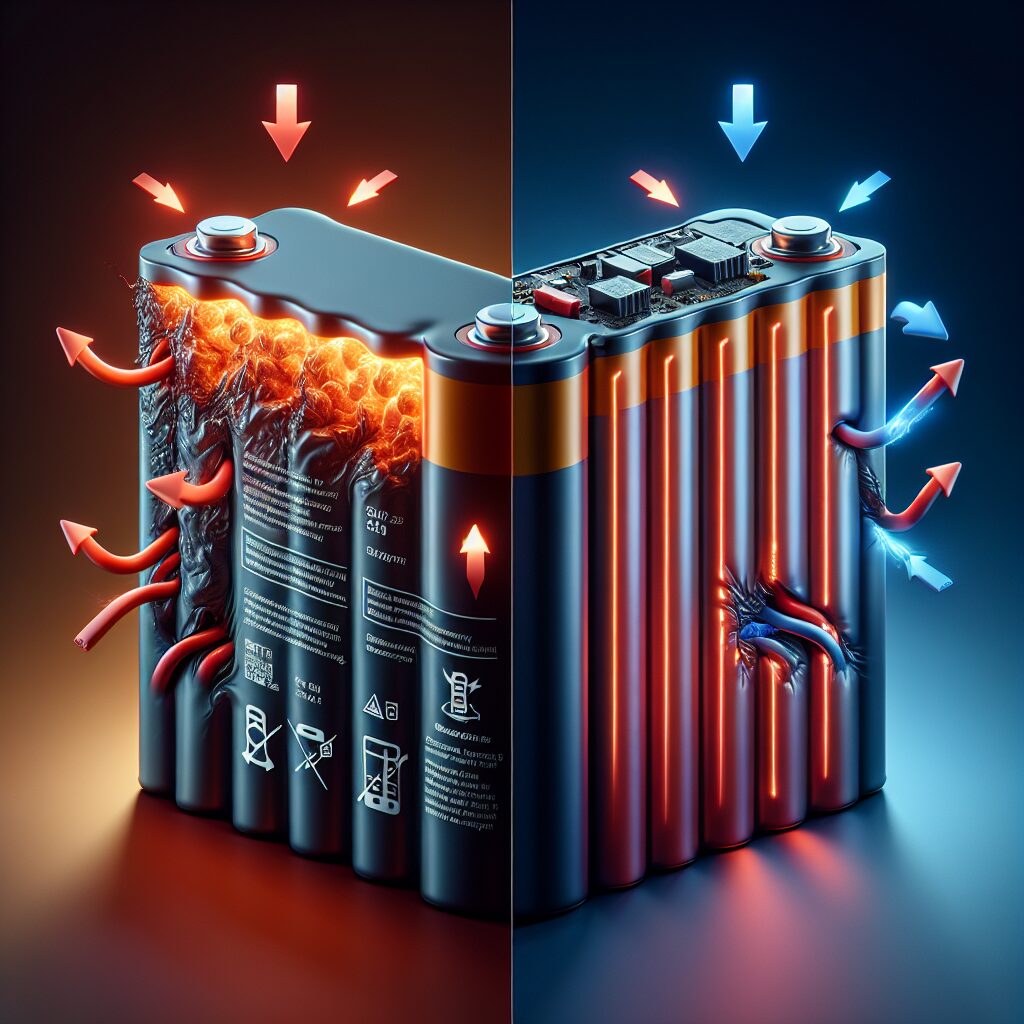
Battery swelling repair refers to the process of addressing and fixing swollen batteries in electronic devices. Swelling occurs when a battery’s internal components break down, often due to overcharging, overheating, or age. This condition can lead to physical deformation, potentially causing the battery to rupture or leak harmful chemicals if not managed properly.
Historical Context
The evolution of battery technology has been significant over the years. From the early lead-acid batteries to the more recent lithium-ion varieties, advancements have improved efficiency, but they have also introduced new challenges. Lithium-ion batteries, while powerful and rechargeable, are particularly susceptible to swelling when they are improperly maintained or have manufacturing defects. As these batteries became commonplace in consumer electronics, the need for effective battery swelling repair mechanisms emerged.
The Importance of Battery Swelling Repair
As consumer awareness regarding battery safety increases, battery swelling repair has become a focal point in tech discussions. Reports of incidents involving device fires or explosions due to battery failures have heightened concerns. Repairing swollen batteries not only ensures the safety of the device user but also extends the life of the devices, making it a critical aspect of tech maintenance.
Battery Swelling Repair in the Context of Electronics
Swelling batteries can severely impact various consumer electronics. In smartphones, a swollen battery can push against the screen, causing it to crack or become unresponsive. In laptops, a swollen battery may bulge against the chassis, potentially damaging internal components and leading to costly repairs. This is why understanding how to carry out battery swelling repair is essential for any device owner.
Key Players or Contributors
Several manufacturers have made strides in battery technology and repair practices. Companies like Samsung and Apple have introduced programs for battery replacement and recycling, emphasizing the importance of managing battery health proactively. Innovations in battery design and materials also play a significant role in reducing the risks associated with swelling, reinforcing the need for ongoing research and development in this field.
How Does Battery Swelling Repair Work?
The Mechanics of Battery Swelling Repair
The process of battery swelling repair involves several steps to ensure safety and effectiveness. First, it is crucial to assess the battery’s condition. If swelling is evident, the device should be powered down immediately to prevent potential hazards. The next steps include:
- Safe Disassembly: Carefully opening the device without damaging internal components.
- Battery Removal: Extracting the swollen battery while following safety protocols to avoid puncturing it.
- Inspection: Assessing the battery compartment for damage and cleaning any debris.
- Replacement: Installing a new battery if the original is beyond repair, ensuring it is compatible with the device.
Technological Foundations of Battery Swelling Repair
To facilitate battery swelling repair, technicians often use specialized tools, including:
- Plastic Pry Tools: For safely opening devices without scratching surfaces.
- Screwdrivers: To disassemble various components securely.
- Battery Testing Equipment: To check the health of the battery before and after replacement.
Understanding these tools and their applications is vital for anyone attempting to perform a battery repair.
Real-World Applications of Battery Swelling Repair
Battery swelling repair can be relevant in both DIY scenarios and professional services. Many users opt to repair their devices at home, especially when they have the right tools and resources. However, for those uncertain about the process, seeking professional help is advisable. Certified technicians can ensure that the repair is performed safely and effectively, minimizing the risk of further damage.
Case Studies
- Smartphone Repair: A user noticed their phone had a slightly lifted screen. Upon inspection, the battery was found to be swollen. Following the repair steps outlined, they successfully replaced the battery, restoring their phone to full functionality.
- Laptop Repair: A laptop user experienced overheating issues and found a bulging battery. They contacted a professional repair service, which safely removed the battery and replaced it, improving the laptop’s performance significantly.
Preventive Measures for Battery Swelling
To avoid the hassle of battery swelling repair, taking preventive measures is essential. Here are some tips:
- Avoid Overcharging: Limit continuous charging beyond 100% to minimize stress on the battery.
- Store Properly: Keep devices in cool, dry places to prevent overheating.
- Monitor Battery Health: Regularly check battery status through device settings or apps.
- Use Original Chargers: Ensure that you are using chargers recommended by the manufacturer to prevent electrical issues.
FAQs
What causes battery swelling?
Battery swelling typically occurs due to overcharging, overheating, or natural aging processes within the battery. When a battery’s internal chemistry breaks down, gas can form, leading to swelling.
How can I tell if my battery is swollen?
Signs of a swollen battery include a bulging device casing, a lifted screen, or difficulty removing the battery from its compartment. If you notice these symptoms, it’s essential to address them immediately.
Is it safe to use a device with a swollen battery?
Using a device with a swollen battery is not safe. It poses risks of leakage, rupturing, or even fire. It’s best to turn off the device and seek professional repair.
Can I fix a swollen battery myself?
While it is possible to repair a swollen battery yourself, it is recommended to seek professional help. DIY repairs can be risky if not done correctly, potentially causing harm to you or your device.
How do I prevent battery swelling?
To prevent battery swelling, avoid overcharging, store devices in cool environments, and regularly monitor battery health. Using original chargers also helps maintain battery integrity.
What should I do if my battery swells?
If your battery swells, immediately turn off the device, refrain from using it, and consult a professional technician for safe removal and replacement.
Are there any long-term effects of using a swollen battery?
Long-term effects of using a swollen battery can include permanent damage to your device, safety hazards, and reduced battery life. It’s crucial to address swelling as soon as possible.
What types of devices can experience battery swelling?
Any device that uses lithium-ion batteries, including smartphones, laptops, tablets, and power banks, can experience battery swelling.
How much does it cost to repair a swollen battery?
Repair costs can vary widely depending on the device and repair service. Generally, battery replacement can range from $50 to $200.
Is battery swelling repair covered under warranty?
Whether battery swelling repair is covered under warranty depends on the manufacturer’s policy. It’s best to check your warranty terms or contact customer support for clarity.
Conclusion
Understanding battery swelling repair is vital for anyone who relies on portable electronic devices. With the increasing prevalence of battery-related issues, being informed about the causes, safe repair methods, and preventive measures is crucial. Recognizing the signs of battery swelling early can save you time, money, and potential safety hazards.
By adopting best practices such as avoiding overcharging and monitoring battery health, you can significantly reduce the risk of swelling. If you do encounter a swollen battery, remember that professional repair services can provide the expertise required to handle the situation safely.
In closing, always prioritize battery safety and maintenance. By staying informed and proactive, you can ensure that your devices remain reliable and functional for years to come. Don’t hesitate to explore further resources or consult professionals when dealing with battery issues. Your safety and device longevity depend on it.
Resource Links:
1. iFixit – A comprehensive guide on identifying and repairing swollen batteries in various devices.
2. TechRadar – An article explaining the causes of battery swelling and safe methods for repair and replacement.
3. PC Gamer – A detailed overview of battery swelling issues, including preventive measures and repair tips.
