


Touch Screen Calibration Fix: Improve Accuracy and Sensitivity
Introduction
In a world increasingly dominated by touch screen technology, the importance of precise interaction cannot be overstated. Whether you’re using a smartphone, tablet, or interactive kiosk, the accuracy of touch response directly influences user experience. The touch screen calibration fix is a critical process that ensures your device responds accurately to your touch, enhancing usability and efficiency. Consider this: a poorly calibrated screen can lead to frustrating experiences, such as unregistered touches or erratic responses, which can hinder productivity and lead to user dissatisfaction.
As we delve into the significance of touch screen calibration, it’s essential to understand its role in various sectors, including healthcare, education, and gaming. Each of these industries relies on precise touch interactions to improve outcomes and experiences. By focusing on calibration, users can significantly enhance their devices’ performance, ensuring that every touch counts.
This article will explore what touch screen calibration fix entails, its historical context, and how it works. We will also discuss its benefits, common issues, and why staying informed about this technology is crucial for users today. Get ready to learn how a simple adjustment can transform your interaction with your devices, making every swipe and tap more intuitive and responsive.
What is Touch Screen Calibration Fix?
Definition
At its core, touch screen calibration fix refers to the process of adjusting the settings of a touch screen device to ensure that the input detected corresponds accurately with the user’s touch. This fix is critical for devices where precise touch response is necessary, such as smartphones, tablets, and touch-enabled laptops. Calibration can involve adjusting the sensitivity of the touch screen, aligning the touch coordinates, and ensuring that the device accurately registers input across the entire display.
Historical Context
The evolution of touch screen calibration has been driven by advancements in technology and the increasing reliance on touch interfaces. Early touch screens were resistive, requiring pressure to register input. As technology progressed, capacitive touch screens emerged, allowing for more responsive and accurate touch detection. These developments have necessitated more sophisticated calibration methods, leading to the need for regular updates and fixes to maintain optimal performance.
The Importance of Touch Screen Calibration Fix
The rise of smart devices has transformed user expectations regarding touch responsiveness. Users now demand seamless interactions that feel natural and intuitive. Consequently, touch screen calibration has gained attention as a necessary step to meet these expectations. The importance of calibration extends beyond personal devices; it has significant applications in various industries.
Touch Screen Calibration Fix in the Context of Industry
In sectors like healthcare, accurate touch response is vital for medical devices where precision can impact patient care. In education, interactive learning tools rely on calibrated screens to facilitate effective learning experiences. Similarly, in gaming, a well-calibrated touch screen can mean the difference between winning and losing.
Key Players or Contributors
Several companies have played a significant role in advancing touch screen calibration technology. Leading manufacturers of touch screen devices, such as Apple and Samsung, continually develop and refine their calibration techniques to enhance user experience. Software developers also contribute by creating applications that assist users in calibrating their devices effectively.
How Does Touch Screen Calibration Fix Work?
The Mechanics of Touch Screen Calibration Fix
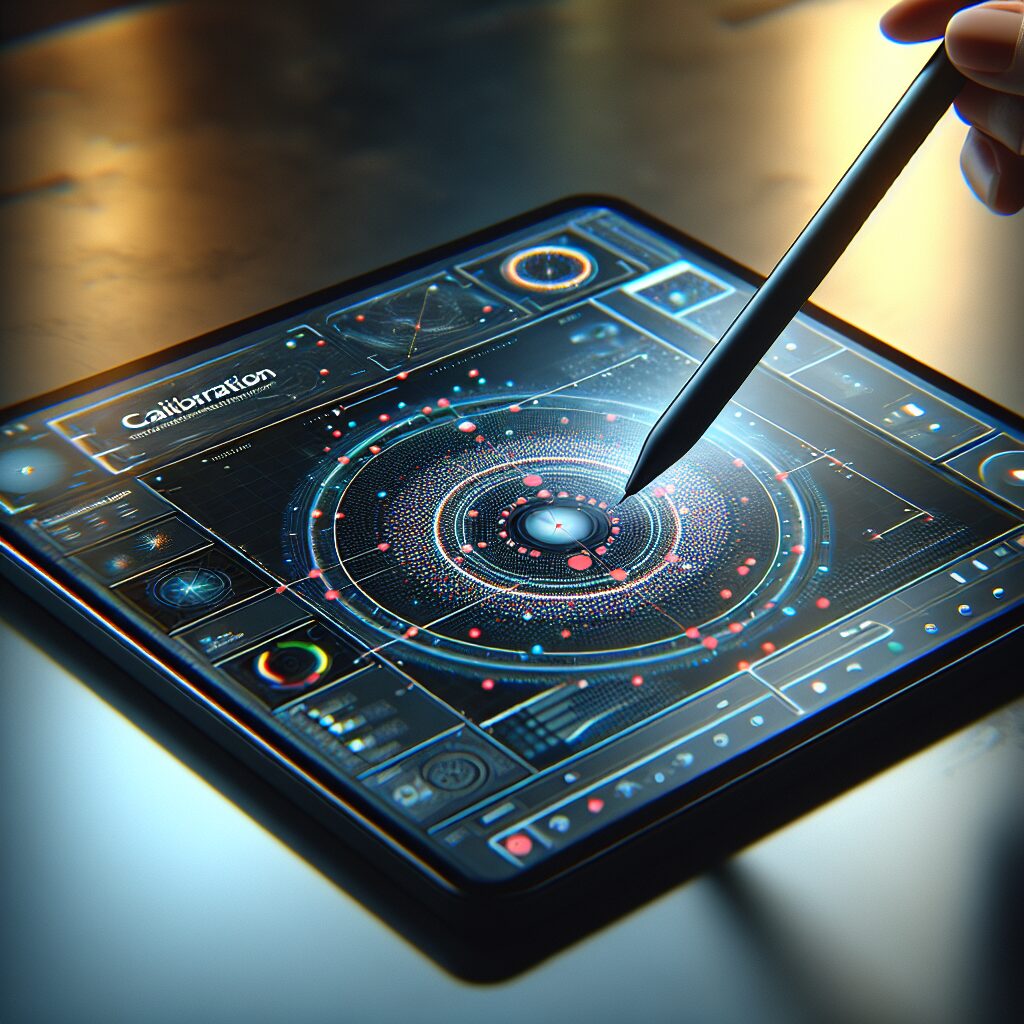
The touch screen calibration fix process typically involves a series of steps designed to optimize device performance. Here’s a basic overview:
- Initiation: Calibration usually begins with the user accessing the device’s settings and selecting the calibration option.
- Touch Points: Users are prompted to touch specific points on the screen. This helps the device learn the exact locations where touches occur.
- Data Collection: The device collects data on where the touches occur versus where they are expected to register.
- Adjustment: Based on the collected data, the device’s settings are adjusted to ensure accurate touch detection.
- Verification: Finally, users may be asked to repeat the touch points to ensure calibration is successful.
Technological Foundations of Touch Screen Calibration Fix
The calibration process relies on sophisticated algorithms and tools. Software applications designed for calibration can analyze touch patterns and adjust device settings accordingly. Hardware sensors within the device also play a crucial role, detecting touch pressure and location to provide feedback for calibration adjustments.
Real-World Applications of Touch Screen Calibration Fix
Calibration is essential for various devices and scenarios. For instance, mobile phones often require calibration after a software update or if the screen has been replaced. Touch kiosks in retail environments need regular calibration to ensure accurate customer interactions.
Case Studies/Examples of Touch Screen Calibration Fix in Action
Consider a hospital where a touchscreen medical device is used for patient management. If the screen is not calibrated correctly, healthcare professionals may input data inaccurately, potentially affecting patient care. Regular calibration checks ensure the device functions correctly, allowing for precise data entry and improved patient outcomes.
Benefits and Drawbacks of Touch Screen Calibration Fix
While the benefits of touch screen calibration fix are numerous, including improved accuracy and user satisfaction, there can also be drawbacks. Incorrect calibration might lead to further issues, such as over-sensitivity or unresponsive areas on the screen. Regular calibration and awareness of potential pitfalls are crucial for maintaining optimal performance.
The Benefits of Touch Screen Calibration Fix
Why Touch Screen Calibration Matters
The benefits of touch screen calibration fix are manifold. Here are some key advantages:
- Increased Accuracy: Proper calibration ensures that every touch is registered accurately, reducing errors in input.
- Enhanced User Experience: A well-calibrated touch screen provides a smoother, more responsive experience, significantly improving usability.
- Prolonged Device Lifespan: Regular calibration can help maintain the integrity and functionality of the device, potentially extending its lifespan.
- Improved Productivity: For professionals relying on touch screens for work, accurate calibration can streamline tasks and enhance efficiency.
Common Issues and Challenges
Despite its benefits, several common issues can arise with touch screen calibration fix. These can include:
- Misalignment: Over time, screens may lose calibration due to physical impacts or software updates, leading to misalignment.
- Software Bugs: Occasionally, bugs in the operating system can interfere with the calibration process, necessitating troubleshooting.
- User Errors: Users may inadvertently miscalibrate their devices during the calibration process, leading to frustration.
FAQs
What is a touch screen calibration fix?
A touch screen calibration fix is a process where the screen settings of a touch-enabled device are adjusted to ensure accurate touch response. This process involves aligning touch coordinates and adjusting sensitivity to improve overall user experience. Regular calibration helps maintain the accuracy of touch inputs, which is essential for optimal device performance.
How often should I calibrate my touch screen?
The frequency of calibration depends on device usage and experiences with touch accuracy. If you notice that your device is not responding accurately to touches or if you’ve recently updated the software or replaced the screen, it’s a good idea to perform a calibration. Regular checks can help maintain optimal performance, especially for devices used frequently.
Can I calibrate my touch screen myself?
Yes, most devices allow users to calibrate their touch screens themselves. You can typically find the calibration option in the device’s settings. Follow the on-screen instructions to touch specific points on the screen, which the device uses to adjust its settings. This process is usually straightforward and can improve your device’s responsiveness.
What happens if my touch screen is not calibrated?
If your touch screen is not calibrated, you may experience issues such as unresponsive areas, delayed responses, or incorrect touch registrations. This can lead to a frustrating user experience, making it difficult to navigate apps or enter data accurately. Regular calibration can resolve these issues and enhance overall usability.
Are there any tools for touch screen calibration?
Yes, various software applications are available for touch screen calibration. Many devices come with built-in calibration tools in their settings. Additionally, third-party apps can assist in the calibration process, offering more advanced features and options for optimization. Always ensure that any software used is compatible with your device.
How do I know if my touch screen needs calibration?
Signs that your touch screen may need calibration include inconsistent touch response, areas of the screen that do not register touches, or a noticeable delay in response. If you experience these issues frequently, it’s a good idea to run a calibration check to restore accurate touch functionality.
What are the benefits of calibrating my touch screen?
Calibrating your touch screen can lead to increased accuracy in touch input, enhanced user experience, and improved device performance. Regular calibration ensures that the device correctly registers touches, reducing errors and frustrations, ultimately making your interactions more efficient and enjoyable.
Can touch screen calibration fix be done remotely?
In most cases, touch screen calibration requires direct interaction with the device. However, some advanced support services may offer remote assistance for troubleshooting issues related to calibration. This typically involves guiding users through the calibration process via video calls or remote access tools.
Is touch screen calibration the same for all devices?
While the general principles of touch screen calibration fix are similar across devices, the specific steps and tools may vary depending on the manufacturer and model. Always refer to the device’s user manual or support documentation for the correct calibration procedure tailored to your specific device.
What should I do if calibration doesn’t solve my touch screen issues?
If calibrating your touch screen does not resolve the issues, it may indicate a deeper hardware or software problem. In such cases, consider seeking professional help from certified technicians who can diagnose and address the underlying issues affecting your device’s touch performance.
Conclusion
In summary, understanding the significance of touch screen calibration fix is essential for anyone who relies on touch-enabled devices. This process not only enhances the accuracy and responsiveness of your device but also improves overall user satisfaction. Regular calibration can help maintain optimal performance, ensuring that your interactions are as smooth and efficient as possible.
As technology continues to evolve, staying informed about calibration processes and their benefits will empower users to maximize their device’s functionality. Whether you’re a casual user or a professional relying on touch screens for work, regular calibration is a simple yet effective way to enhance your experience.
Take the time to calibrate your devices regularly and explore the tools available to assist you in this process. By doing so, you ensure that your touch interactions remain precise and enjoyable. Don’t hesitate to reach out to professionals if you encounter persistent issues; expert help can make all the difference in achieving a seamless touch experience.
Resource Links:
1. Digital Trends – A guide on how to calibrate touchscreens for improved accuracy and performance.
2. Microsoft Support – Official instructions for calibrating touchscreens on Windows devices.
3. Android Authority – Tips and methods for calibrating touchscreens on Android devices to enhance sensitivity.
