


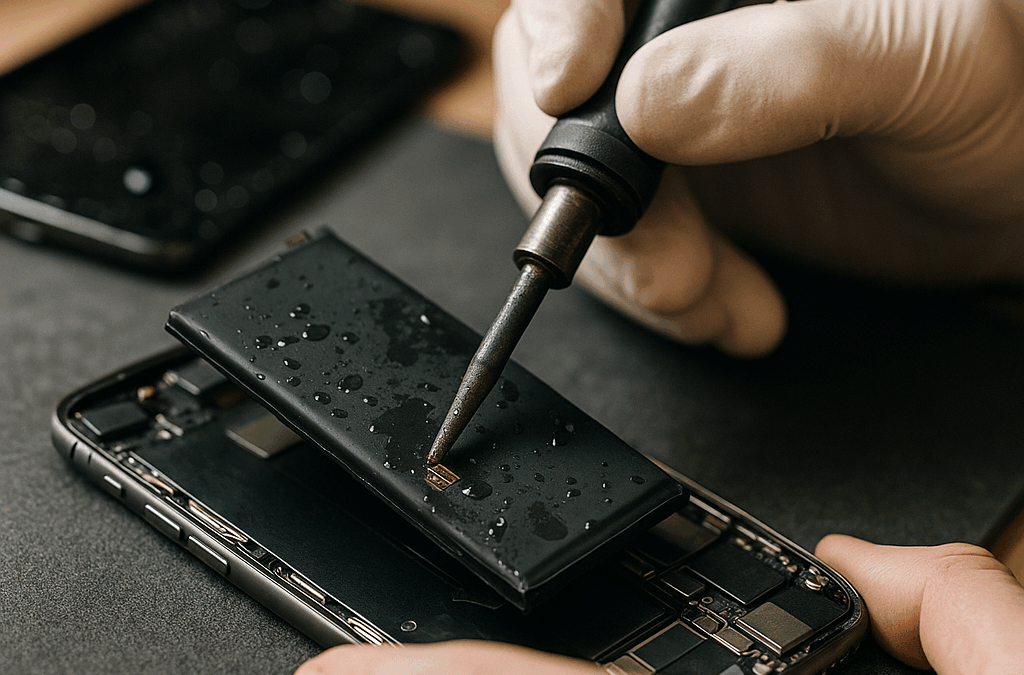
Water-Damaged Battery Repair: A Guide to Resurrecting Your Power Source
Introduction
Okay, so picture this: you’re cruising through life, your phone is buzzing with notifications, and then—bam!—suddenly it’s dead. You didn’t drop it in the toilet or anything dramatic like that (but who hasn’t, right?). Instead, you left it outside in the rain for a few minutes, which can honestly feel like a mild heart attack when you realize just how much we depend on these little gadgets. But don’t worry! If you find yourself staring at a water-damaged battery situation, there’s hope. Let’s dive into this wild world of water-damaged battery repair!
Understanding Water Damage
So, first things first: what even happens when water hits your device? I mean, most people think “Ahh! Water! My phone’s ruined!” but here’s where it gets interesting. Water can seep inside your device and cause corrosion to all sorts of parts—mostly around the battery connectors and circuit boards. It’s almost like a mini disaster unfolding under the hood (or under the screen, if we’re being specific).
Honestly, it’s kind of wild how fragile technology is. I once had this old Nokia—a brick of a phone really—that could survive just about anything except…wait for it…moisture. I remember thinking, “It’s indestructible!” until one fateful rainy day my pocket wasn’t deep enough and—splash! It was tragically short-lived after that encounter with nature.
Anyway! Where was I? Ah yes—water damage leads to electrical issues and can turn your battery into a paperweight if you aren’t careful.
Assessing The Damage
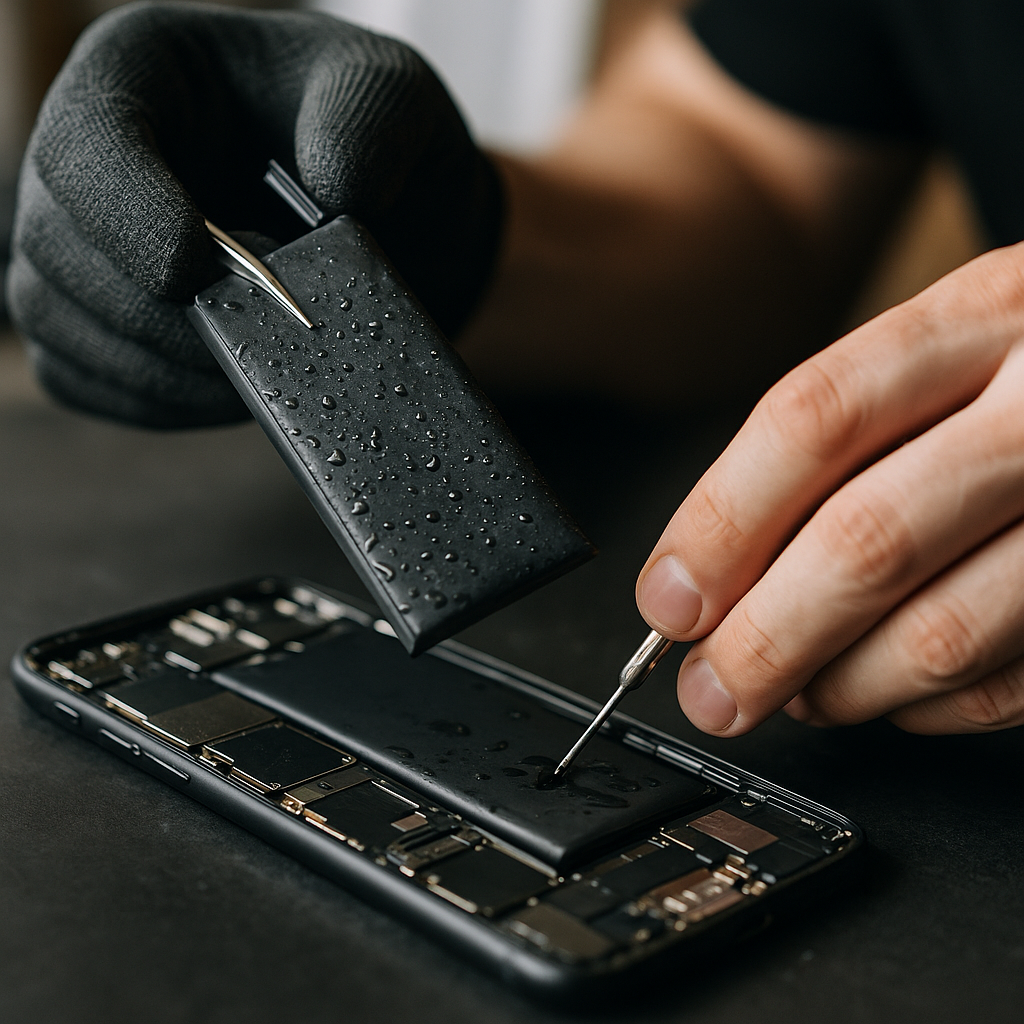
Okay so now that we know water is bad news for our gadgets, let’s talk about how to assess the damage because sometimes you can catch these issues early! First up: turn off your device. Seriously. Right now. Don’t even attempt to turn it back on if you find out it’s still on post-splash; that would just be inviting disaster.
Next, take off any removable components like covers or cases or whatever protective gear you’ve got on there—your poor device needs air! If it was raining hard—or perhaps if you’ve been tempted to take an extravagant swim—you might have bigger problems than just wetness. Check the battery itself for signs of corrosion or discoloration (look closely!) and remove it cautiously because… yikes.
I remember taking apart my friend’s laptop after she spilled coffee on it — hey don’t judge — thinking it might still work somehow—but nope! Just sticky keys and an awkward mishmash of caffeinated nightmares!
Drying Out Your Device
Alrighty then; let’s assume you’ve managed to keep everything intact thus far (pat yourself on the back!). Now comes the drying process—you wanna get that moisture out of there before things start corroding further!
A lot of folks recommend rice; I get why—it’s absorbent—but honestly? That feels kind of gimmicky to me sometimes. Some people swear by silica gel packets too (those tiny bags that come in shoe boxes), but make sure they’re not expired because no one wants old product trying to do its thing when literally every second counts!
So here’s a suggestion: place your device in an open space with good airflow or aim a fan at it. Leave it alone for at least 24 hours—or even better yet—let it chill for several days if you’re feeling particularly cautious.
Cleaning Corrosion (If Necessary)
Okay so let’s say you did everything right: let the gadget dry out completely but then find some white powdery gunk around those battery contacts? Yeah… that’s corrosion talking—super not cool.
You’ll need some isopropyl alcohol (at least 90%) as your cleaning pal here; dip a soft toothbrush into it (weirdly enough) and gently scrub away at those connections because they’re probably looking pretty sad right now. Pro tip: make sure everything is completely dry again before reconnecting anything—I once made that mistake during an overly ambitious moment while fixing my cousin’s game console…
And what happened? Well, let’s just say there was quite a sparkle after I plugged that thing in too soon—not in a good way though…
Replacing The Battery
Alright, so here’s where we wrap this shindig up—with either luck or acceptance about replacing your battery altogether. Sometimes repair isn’t enough; sometimes things are just kaput—and knowing when to let go is tough but necessary.
Most batteries aren’t too crazy expensive anyway; depending on your device maybe consider going OEM? Or check out reputable brands if you’re aiming for something more affordable—the aftermarket parts world is vast!
Just double-check compatibility though because nothing sucks more than eagerly awaiting replacement only to find out…oops… wrong model!
Conclusion
So there you have it—the complicated journey from panic over water damage to hopeful repair scenarios! Just remember: always treat your devices with care ‘cause they hold our memories—and selfies—we cherish dearly!
Even as we navigate through tech glitches and accidental spills together—it kinda reminds us how fragile yet wonderfully complex life really is, huh? Like it’s so easy to get bogged down by malfunctioning tech until we realize hey…sometimes all we need is patience…and maybe some good ol’ cleaning skills!
Now go forth into this messy world of batteries—and may your devices stay dry until summer storms hit again!
FAQs About water-damaged battery repair
Can water damage a battery beyond repair?
Yes, water can cause irreversible damage to a battery. When water seeps into the device, it can lead to corrosion of internal components, including the battery connectors and circuit boards. If you notice signs like discoloration or leakage, it may indicate that the battery is beyond repair and needs to be replaced.
What are the first steps to take if my battery gets wet?
The first thing you should do is turn off your device immediately to prevent any electrical shorts. Next, remove any removable parts like covers or cases to allow air circulation. Dry your device in a well-ventilated area and avoid turning it back on until you’re sure it’s completely dry.
Is putting my wet phone in rice an effective drying method?
While many people recommend placing a wet phone in rice to absorb moisture, it’s not the most effective method. Instead, consider using silica gel packets or simply leaving your device in an open area with good airflow for at least 24 hours to ensure thorough drying.
How can I clean corrosion from my battery contacts?
To clean corrosion from your battery contacts, you’ll need some isopropyl alcohol (at least 90%). Use a soft toothbrush dipped in the alcohol to gently scrub away the corrosion. Ensure everything is fully dry before reassembling or reconnecting any components.
When should I replace my water-damaged battery?
If after drying and cleaning your device you find that it still won’t charge or holds little charge, it may be time to replace the battery. Also, if there’s visible corrosion or damage on the battery itself, replacing it would be a safer option.
Are OEM batteries better than aftermarket replacements?
Generally speaking, OEM batteries are designed specifically for your device model and often provide better compatibility and reliability. However, some reputable aftermarket brands offer quality alternatives at a lower cost. Always research and ensure compatibility before purchasing an aftermarket option.
Can I fix a water-damaged battery myself?
You can attempt to fix a water-damaged battery yourself by following proper drying procedures and cleaning corrosion if present. However, if you’re not comfortable opening your device or handling components, it’s advisable to seek professional help for safety and better results.
What symptoms indicate that my battery is water damaged?
Symptoms of a water-damaged battery include sudden power loss, difficulty charging, visible corrosion around the connectors, unusual heat when charging, or swelling of the battery casing. If you notice any of these signs, assess the damage carefully and consider repair options.
How long should I wait before trying to use my wet device again?
It’s recommended to wait at least 24 hours before attempting to turn on or use your wet device again. For maximum safety, letting it dry for several days can help ensure all moisture is eliminated and minimize risks of further damage.
Are there any preventative measures for avoiding water damage?
Yes! Using waterproof cases for your devices can greatly reduce the risk of water damage. Additionally, being cautious about where you place your devices—especially during rainy weather—can help protect them from accidental exposure to moisture.
Should I attempt DIY repairs for severe water damage?
‘Severe’ water damage often involves deep internal issues that might require specialized tools and expertise. Unless you have experience with electronics repair, seeking professional assistance for severe damages is advisable to avoid causing further harm.
